

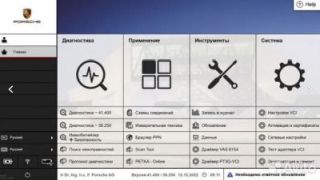
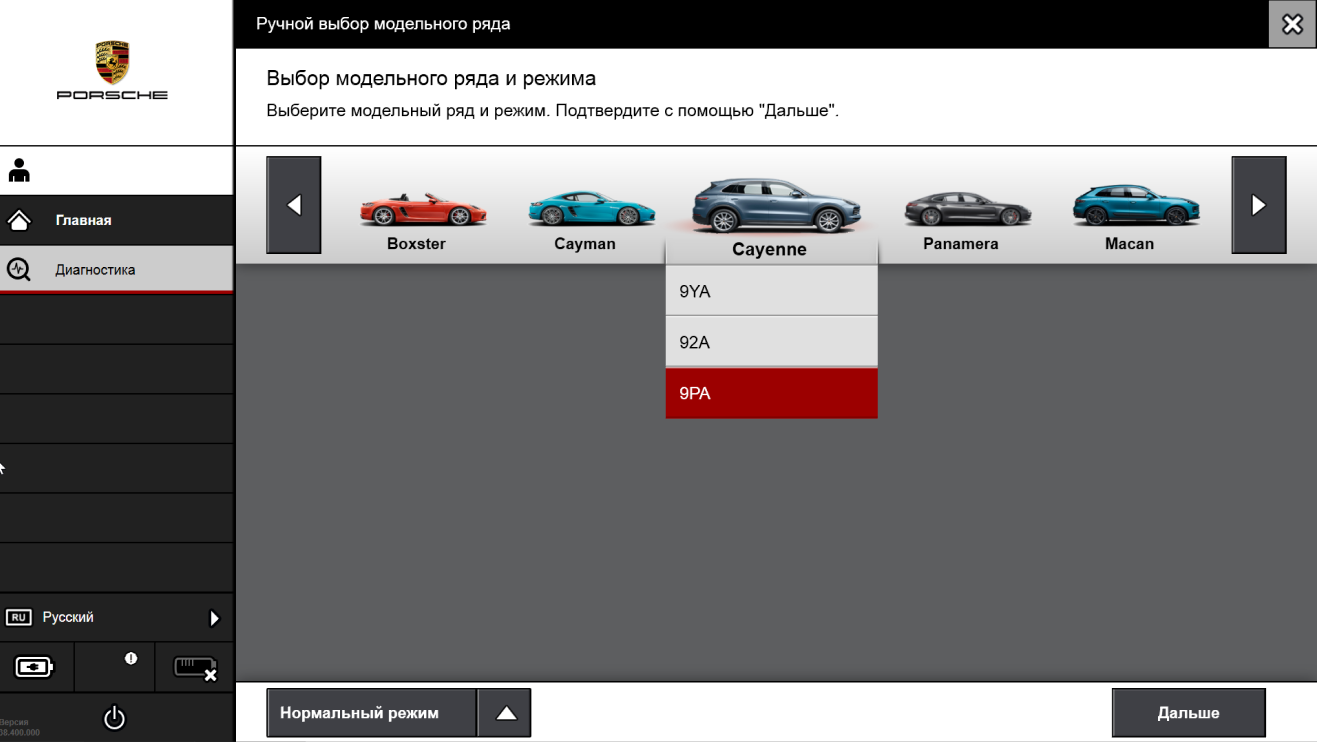
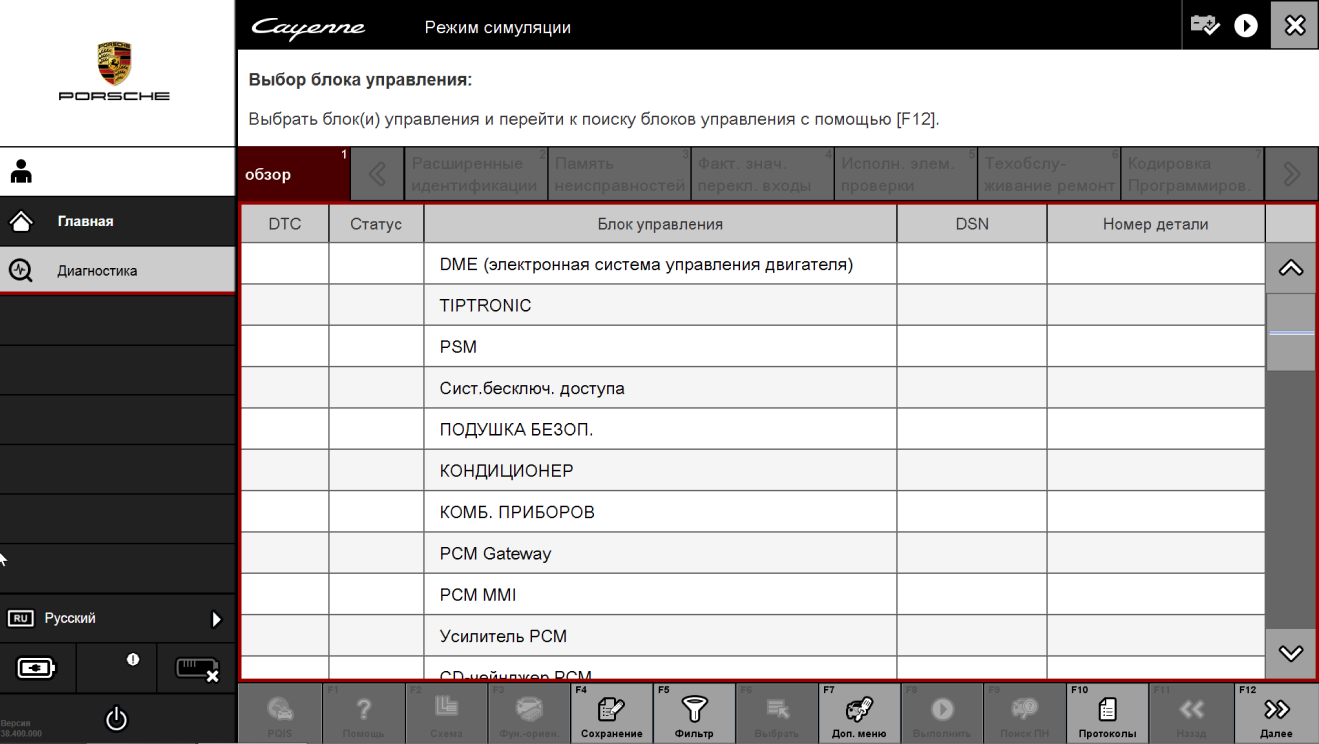
PIWIS 3 WIN10 41.500+38.250 VMWARE
- Estimated Delivery : Download link provided immediately
- In case of download problems contact support
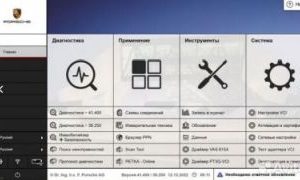
Porsche PIWIS 3 – Versions 41.500 + 38.250 VMware Image
Release Year: 2023
Versions: 41.500 + 38.250
System Requirements: Windows 10 x64
Interface Language: Multilingual (Russian included)
Activator: Included
Description
-
Complete FAP diagnostic protocol
-
Full electronic wiring diagrams for Porsche vehicles
-
Read, decode, and clear fault codes
-
Service interval reset
-
Live data stream monitoring and saving
-
Freeze-frame fault data viewing
-
Actuator and control unit testing
-
Guided fault finding up to 2021 (Online & Offline)
-
Adaptation and coding of control units and vehicle modules
-
Activation/deactivation of components and hidden vehicle features
-
Vehicle retrofitting with automatic and manual coding of new components
-
Component protection removal (PPN online access required)
-
Immobilizer and key programming (PPN online access required)
-
Support for PPN Online
-
Coding and programming support for Taycan and Cayenne E3
-
Vehicle support up to model year 2022
-
Engineering mode for ECU programming
-
Desktop access enabled (PC does not shut down after exiting PIWIS Tester 3)
-
Updated firmware for E2 and E3 platforms
-
Fully featured original version (not limited or stripped)
-
Updated firmware database for E2, E3, Taycan, Macan, Cayenne, 992, 918 Spyder, and more
-
Updated Diagnostic Functions and PTTD for E2, E3, Taycan, Macan, Cayenne, 992, 970, 971, 918 Spyder, 981, 911, and more
Included Software Versions
1️⃣ Porsche PIWIS 41.500 (2022)
-
Open engineering mode (V/E)
-
Unlimited license
-
Additional updates included
2️⃣ Porsche PIWIS 38.250 (2020)
-
Full engineering version with V/E/P working modes
-
Taycan support included
-
Unlimited license
✔ Both versions are complete and not limited in functionality.
✔ Switching between versions 41.500 and 38.250 is done directly within the official Porsche PIWIS Tester shell.
✔ No need to reboot the computer or change the operating system when switching versions.
Additional Information
A ready-to-use VMware image of PIWIS III with support for Chinese VAS 6154 (version 1.6.6.0).
Simply run the image using VMware Workstation Pro 16.2.4 or newer.
On first launch, select “I Moved It”, then start PIWIS 3.
NEVER, under any circumstances, DON’T run the VCI driver application with an internet-connected computer and VAS6154 connected, as this will immediately remove the license from the VAS6154
Piwis3 language change
Only logged in customers who have purchased this product may leave a review.
Related products
-

Odis-S 23 With Keygen
£9.99 -

-
E-Sys collection including E-Sys 3.33.4
Original price was: £49.99.£9.99Current price is: £9.99. -

-

Reviews
There are no reviews yet.