
If PayPal checkout error (10486) occurs, it means you may have a problem with funds in your PayPal or bank account.
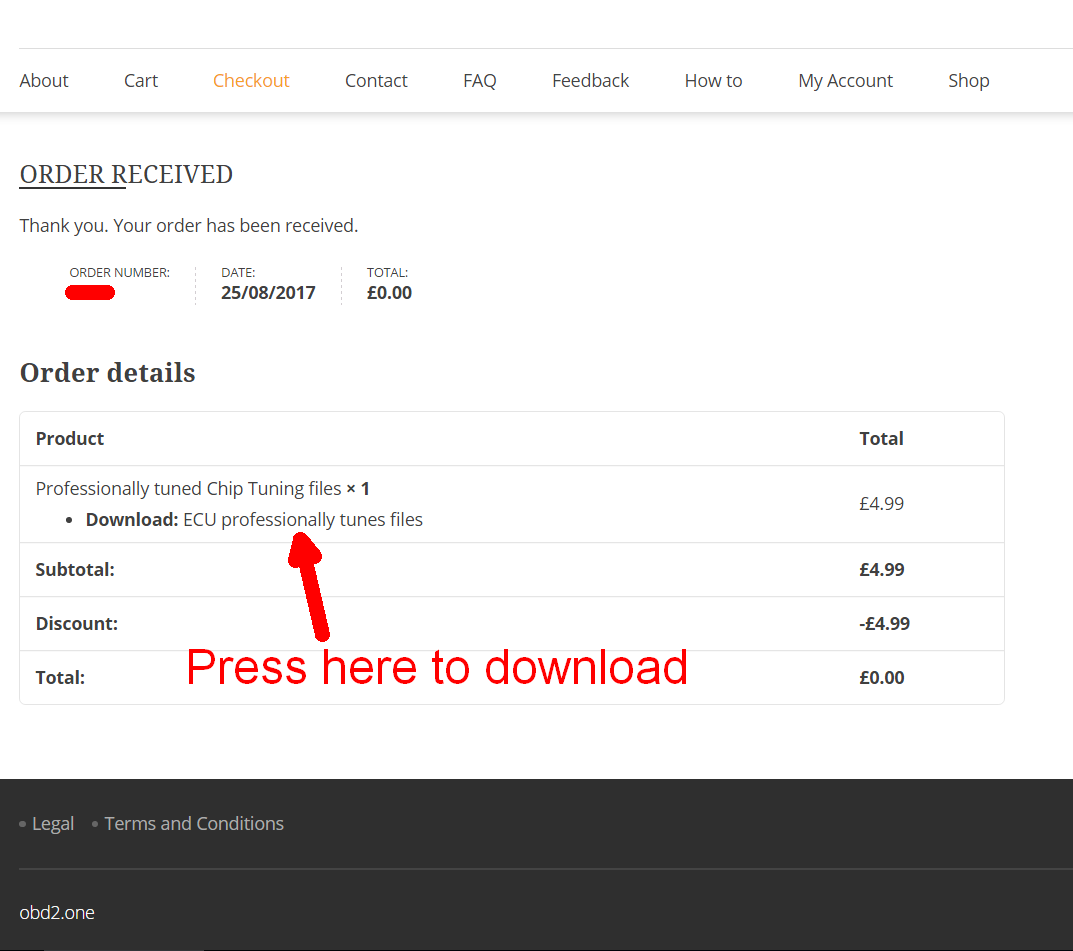
Your download link(s) and how it looks.
Guest checkout order:
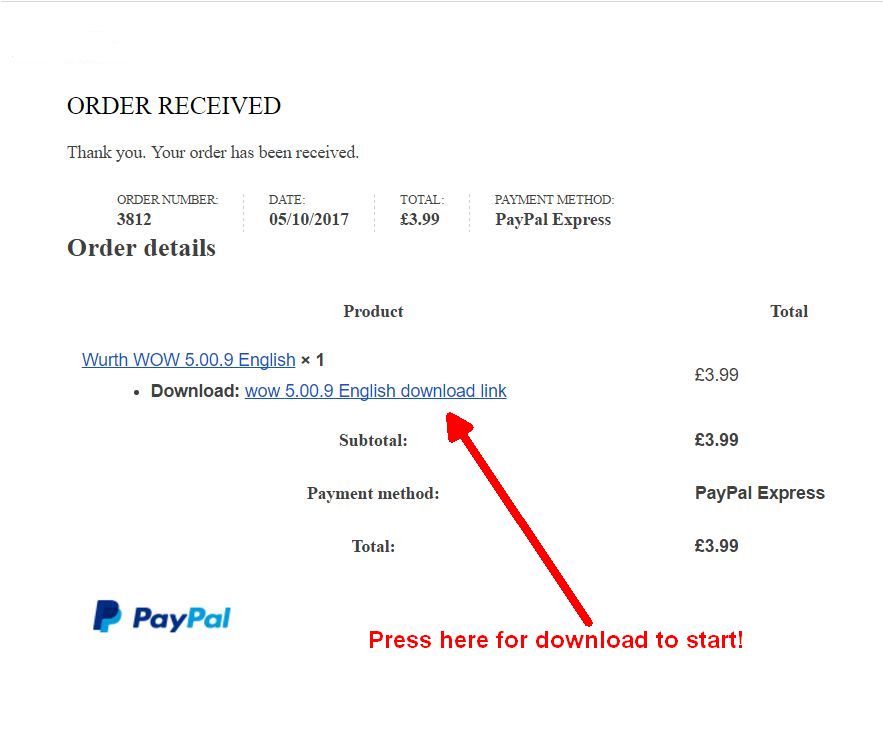
Paypal order confirmation:
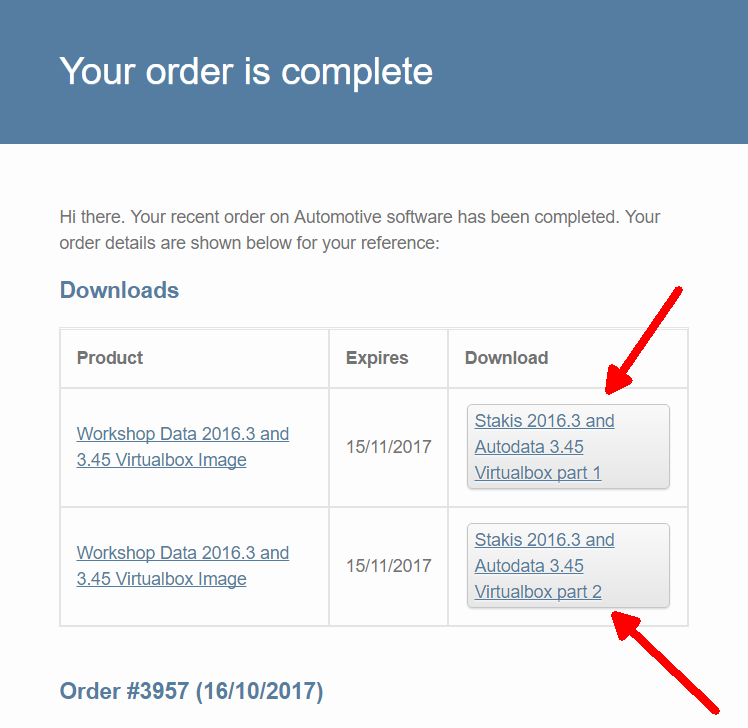
Order sent to your email if one is entered at checkout:
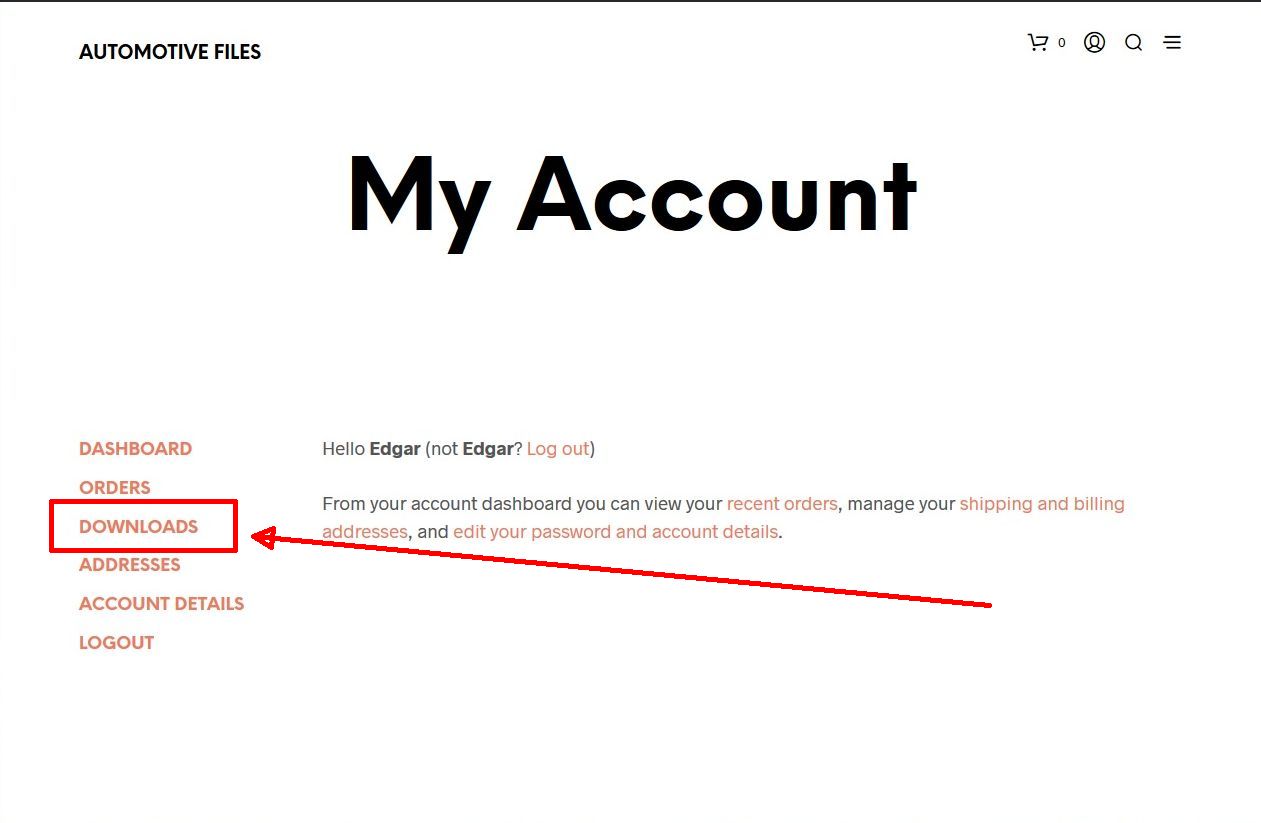
Downloads in My Account if registered
If you enter your email address at checkout, this download form will be send to it automatically. If not received, check your spam folder. Please note most of the download links are valid for 20 days only!
Guest checkout is enabled and there is no need to register!
But if you decide to do so, here is a quick guide.
This is a quick registration and check out tutorial.
Click on image to enlarge it.
- Go to My Account
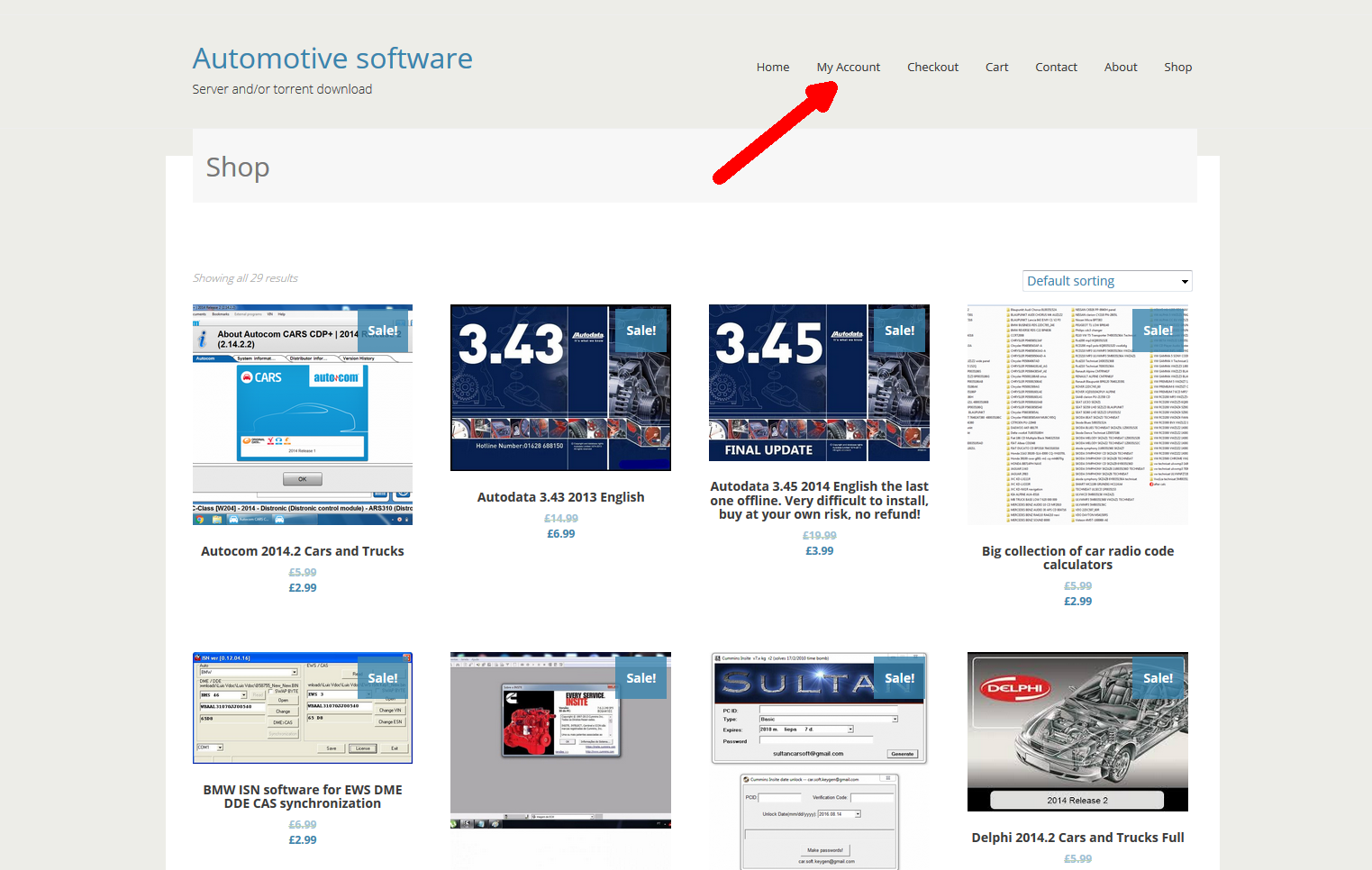
2. Register entering email address and password. You can input any information you want, no email confirmation is needed.

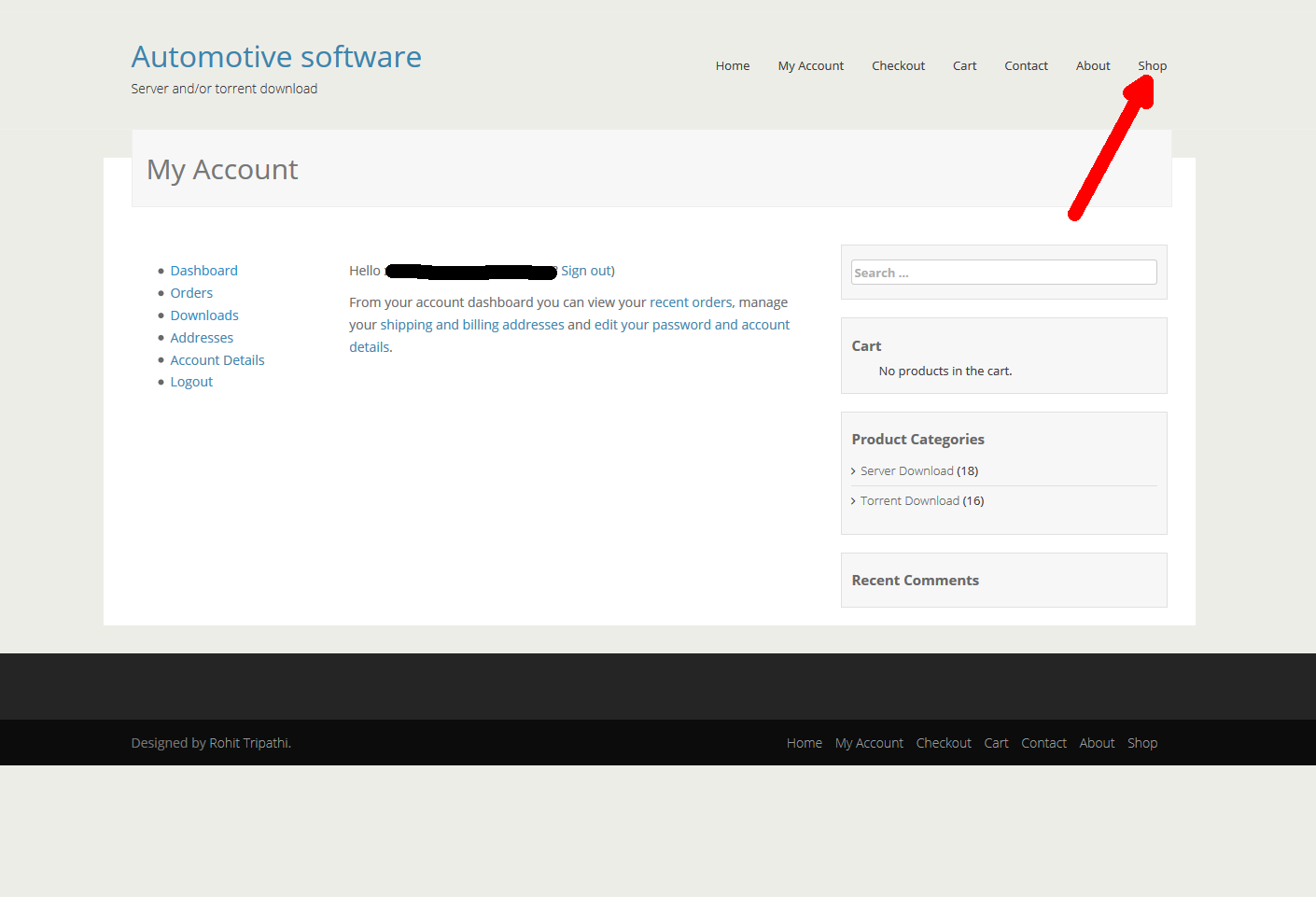
3. After registration you’ll see this page and then go to the Shop. Choose your item and click on it.
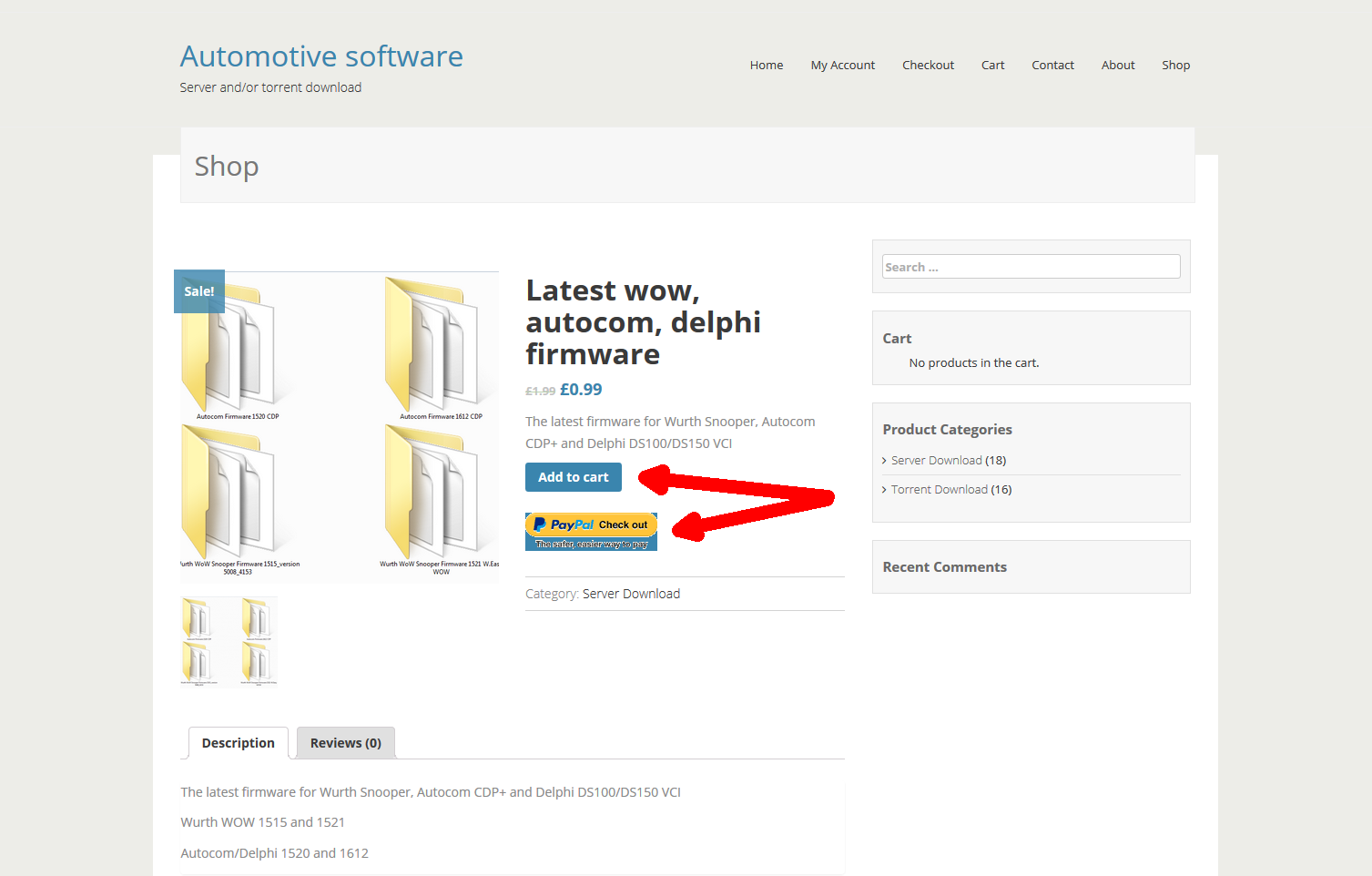
4. If you want to buy a single item, press Paypal check out button. If you decide to buy more than one item, press Add to cart button.
5. After adding item to the cart you’ll see this image with option to view your cart.

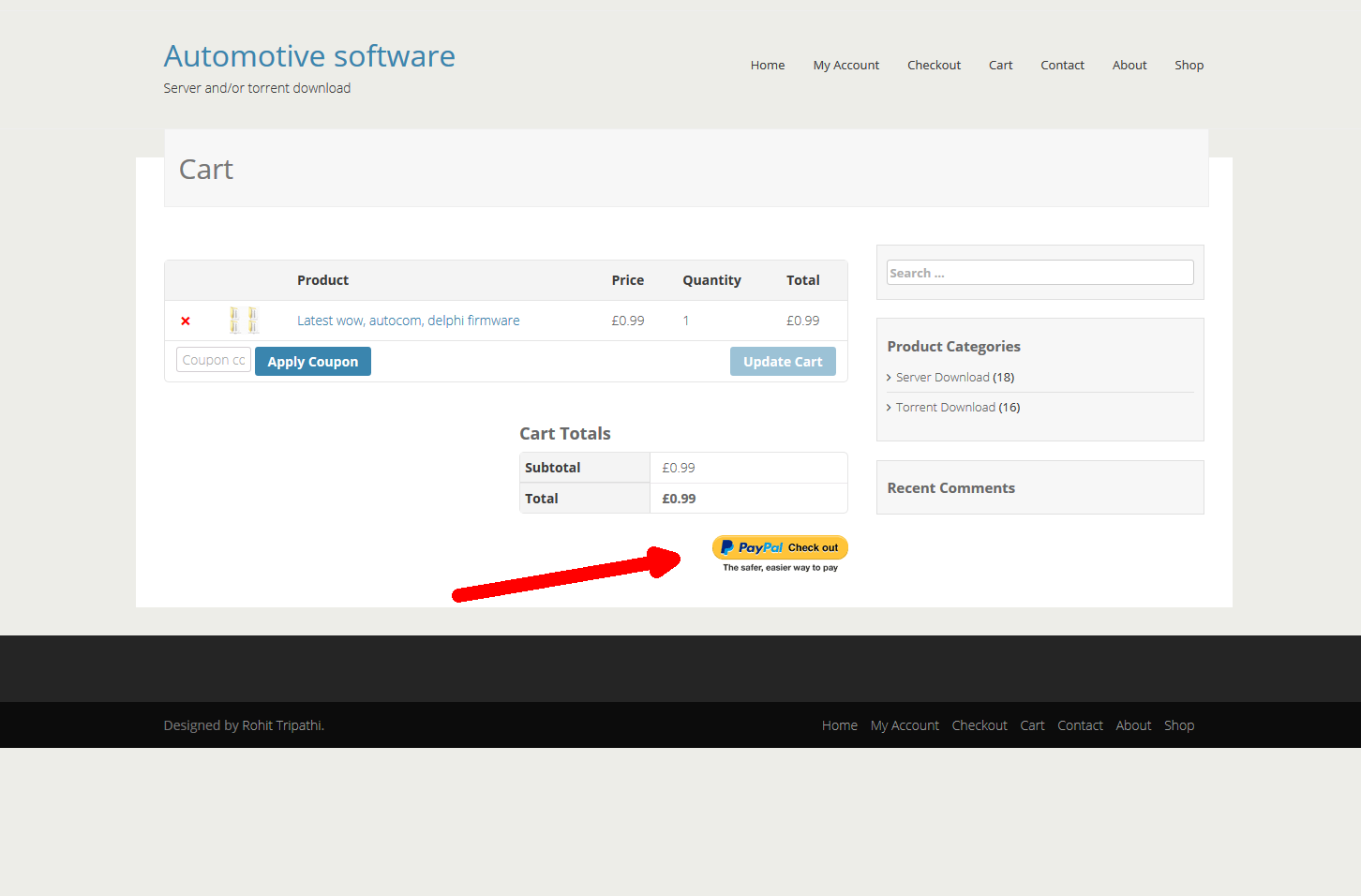
6. On the Cart page you’ll see added items. To make payment click on Paypal check out button.
7. Now you’ll be redirected to Paypal’s website. Login to Paypal with your credentials. For payment confirmation click continue.
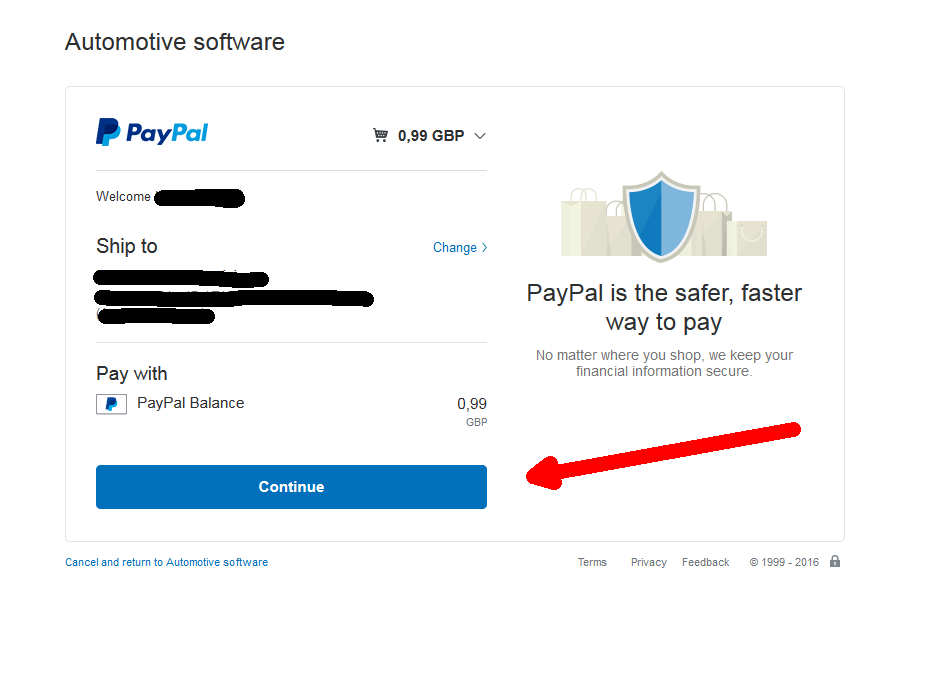
8. When payment is confirmed you’ll be redirected to Checkout page. There you can access your downloads straight away as shown in the image or go to My Account.
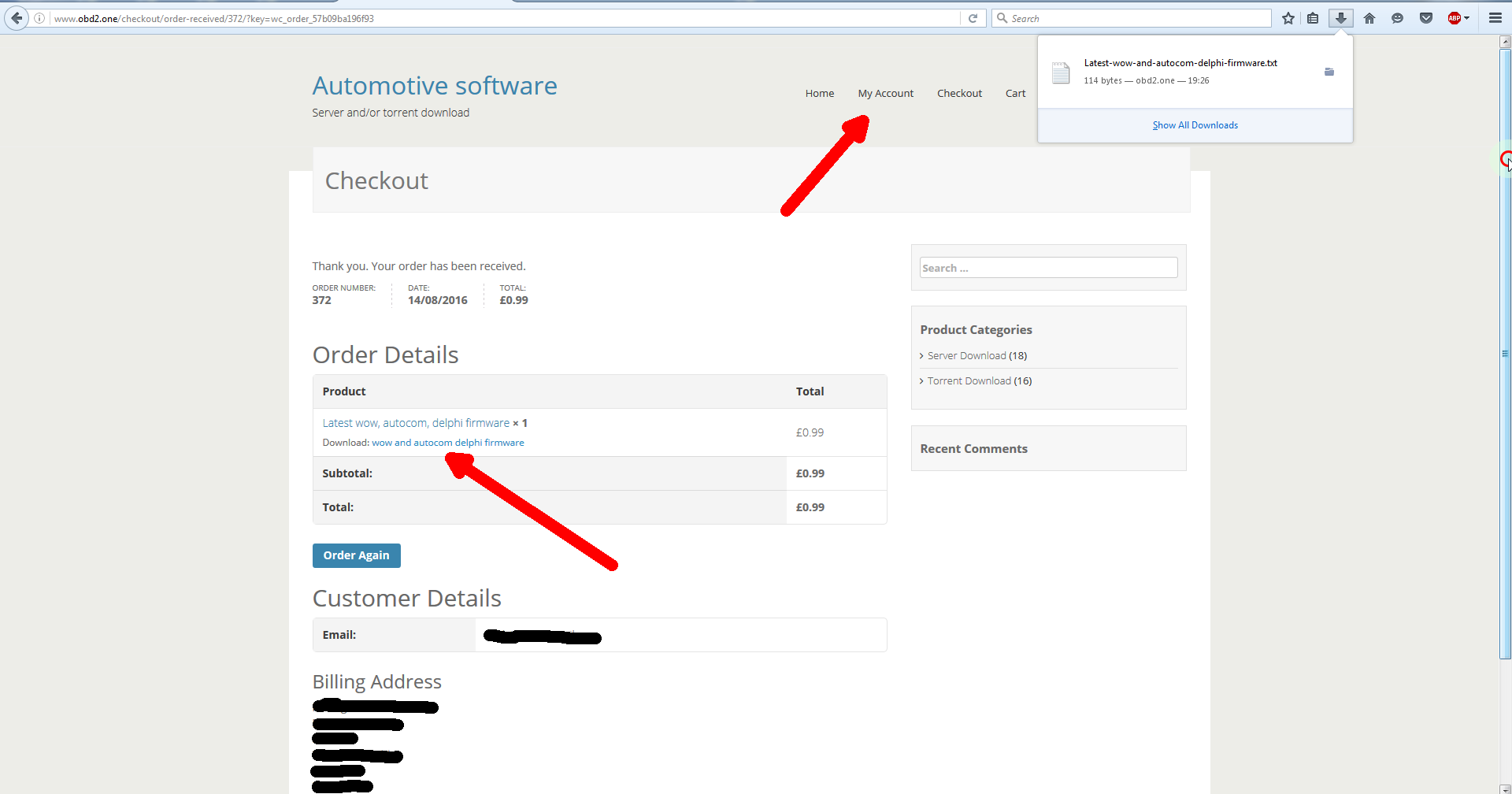
9. To access your downloads go to My Account. On the left side you’ll see the Downloads section and by clicking on it you’ll see all your bought items. Click download button to download.
